
By Toochi Ejiofor
Edited by Bababunmi Agbebi
Candidates who lost access to their registered phone numbers or email addresses can now update their details through a new procedure introduced by the Joint Admissions and Matriculation Board (JAMB).
The service allows candidates with genuine cases of lost access to modify their registered GSM numbers, email addresses or both. Candidates can access it only once and must undergo strict identity and biometric verification to prevent fraud and unauthorised changes.
Here is what candidates need to know about the process.
Candidates must have a new, active GSM number or email address, a valid court affidavit confirming the loss, and proof of payment through their JAMB e-Facility account. They must also appear in person for biometric verification.
Steps to Update Your JAMB SIM or Email Address
1. Log in to the JAMB e-Facility portal: Begin by accessing the official JAMB e-Facility portal using your existing login credentials, registration number or profile code.
2. Generate and pay for the service: Navigate to the services menu and select “SIM Swap/email Change Payment.” Generate the Remita payment reference and pay the prescribed fee.
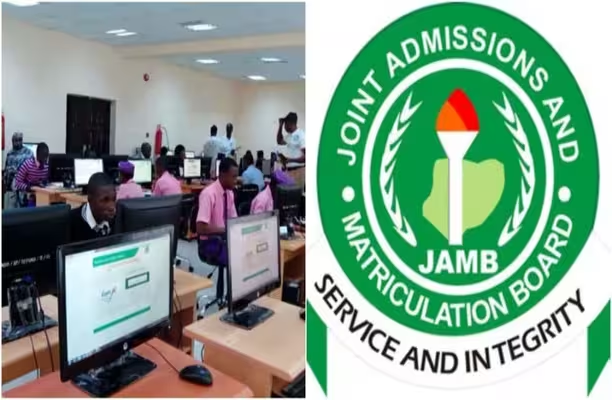
3. Visit a designated JAMB centre: Proceed to an approved JAMB CBT (PTC/PRC) centre or a JAMB State Office where the service is available.
4. Request the SIM Swap/email Change Quicklink: Ask the centre operator to access the dedicated “SIM Swap/email Change Quicklink” through the authorised JAMB system.
5. Retrieve your profile details: Provide your profile code or previous GSM number. The operator will select “Fetch Details” to retrieve your profile information.
6. Complete biometric verification: You must undergo biometric verification by placing your fingers on the biometric scanner. This allows JAMB to confirm your identity against your original registration records.
7. Select the details you want to update: Choose the appropriate service: GSM number only, Email address only, or both GSM number and email address. Enter your new contact details and upload the scanned court affidavit as required.
8. Review and confirm the update: Carefully review the information entered on the screen before selecting “Update.” Wait for the final success confirmation to appear before leaving the centre.
The SIM and email update service is available only once, so candidates must provide accurate information. This service is available only at designated Professional Testing Centres (PTC), Professional Registration Centres (PRC), and JAMB State Offices where applicable. Avoid roadside cybercafés, commercial computer centres and unauthorised agents.
If you have lost access to your registered phone number or email address, visit a designated JAMB centre and follow the approved procedure to update your records.
Share this article with someone who may need it!
Recommended posts:
 Who is lying, JAMB or Mmesoma? Netizen brings new evidence regarding alleged fake result
 NCC 14-Day SIM Deactivation Rule: Impact on Ikeja, Lagos Users
 No Verification, No NYSC: How to Confirm Your Name for NYSC, Verify Your Matriculation List Status
 JAMB, WAEC Introduce ₦4,000 Fee for WASSCE Result Verification